
What is a Zone?
A zone in smoxy is a reusable configuration that applies to one or more hostnames. Instead of configuring each hostname individually, you attach hostnames to a zone so they all share the same settings for proxy and origin, caching, security, optimization, and routing. For how these settings act on each request — and in which order — see the Request Lifecycle.
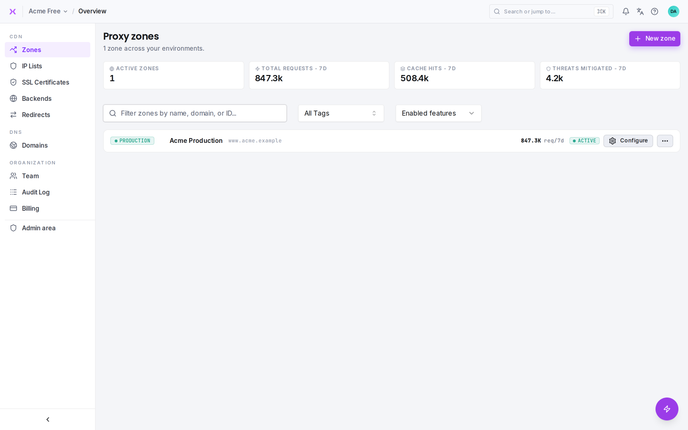
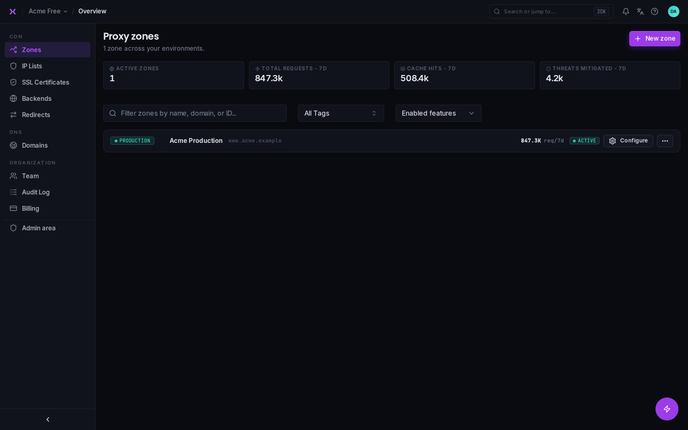
How Zones Work
- Create a zone with your desired settings (caching, security, image optimization, etc.)
- Attach hostnames to the zone -- point each hostname's DNS CNAME at smoxy, and incoming requests are handled with the zone's configuration
- Manage centrally -- changes to the zone apply to every hostname attached to it
For example, you could attach www.example.com, shop.example.com, and blog.example.com to the same zone. All three hostnames would share identical caching, security, and optimization settings.
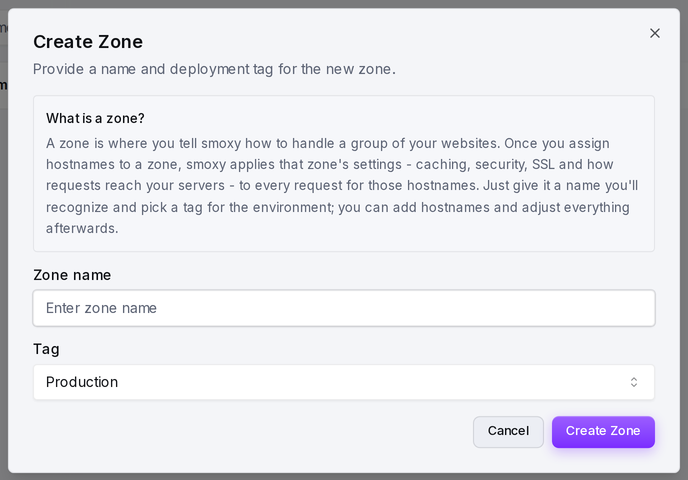
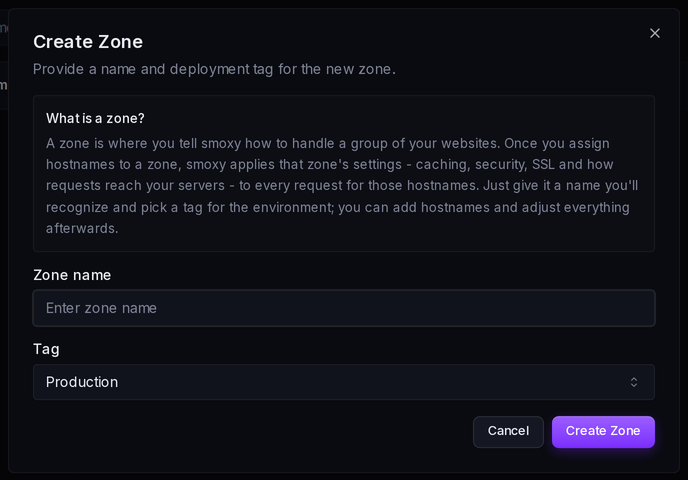
What You Can Configure
A zone controls every aspect of how smoxy handles traffic for its attached hostnames:
| Feature | What It Does | Learn More |
|---|---|---|
| Proxy / Origin | Where smoxy sends traffic -- a single server or a pool of servers -- plus custom headers and log forwarding | Proxy |
| Caching | How long content is cached, cache key composition, cache tags, stale cache behavior, dynamic (HTML) caching | Cache |
| Optimization | Automatic image compression, WebP/AVIF conversion, quality settings per format | Optimization |
| Security & WAF | Web Application Firewall, managed security scenarios, access rules, Basic Auth, Under Attack Mode | Security & WAF |
| Custom Pages | Branded error, security, and maintenance pages | Custom Pages |
| Rules | Override any zone setting based on request conditions (URL, country, headers, etc.) | Rules Overview |
Common Patterns
One Zone Per Environment
Create separate zones for production, staging, and development. Each environment gets its own caching, security, and optimization settings -- and you can tag each zone accordingly.
| Zone | Hostnames | Settings |
|---|---|---|
| Production | www.example.com, shop.example.com | Aggressive caching, WAF enabled, image optimization on |
| Staging | staging.example.com | Short cache TTL, WAF enabled, debug headers on |
| Development | dev.example.com | No caching, WAF off, debug headers on |
One Zone for Multiple Hostnames
If several hostnames serve the same type of content with the same requirements, attach them all to one zone. This avoids duplicating configuration.
Moving Hostnames Between Zones
You can move a hostname to a different zone at any time. The hostname immediately inherits the new zone's settings -- no need to reconfigure anything manually.
Zones and Redirects
When you only need to forward one hostname to another instead of serving and optimizing content, use a redirect rather than a zone.
| Type | Purpose |
|---|---|
| Zone | Full configuration -- caching, security, optimization, routing, rules |
| Redirect | Only forwards traffic from a source hostname to another -- no caching, no optimization |
Redirects are managed at the organization level. Use one when you only need to forward a hostname (e.g., redirecting example.com to www.example.com). See Redirects for details.