
Redirect Map
The redirect map lets a zone serve a large list of exact, path-level redirects directly at the edge -- without a round trip to your origin. Each entry maps an exact source (host/path) to a target, with a redirect mode and an HTTP status code. It is built for migrations and relaunches where many old URLs need to point to new ones.
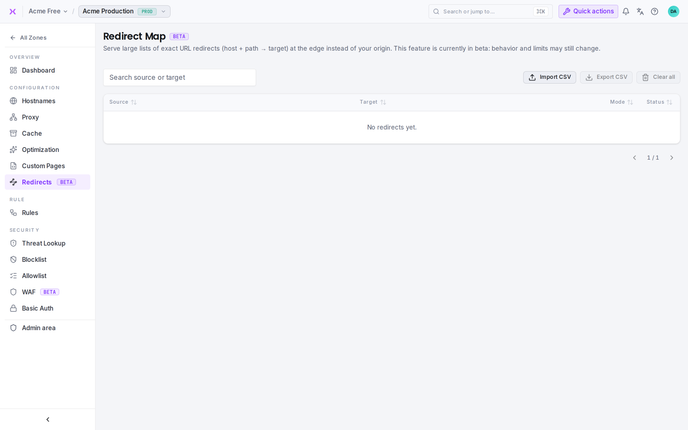
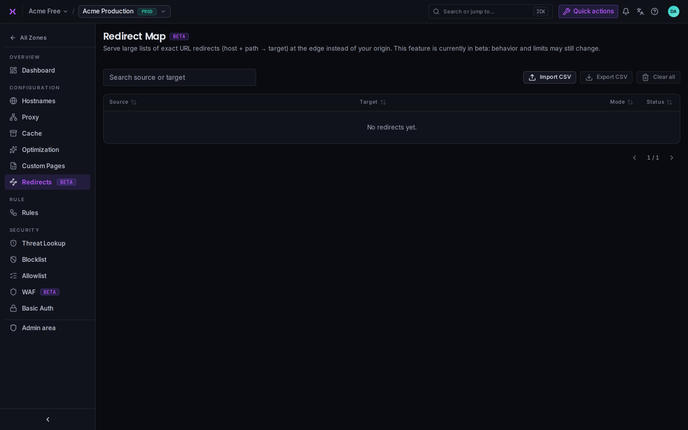
In the Hub the redirect map lives on a zone under Configuration → Redirects.
Beta
The redirect map is currently in beta. Its behavior and limits may still change.
Redirect map vs. Redirects
This is not the same as organization-level Redirects, which forward a whole hostname to another hostname via a CNAME. The redirect map works inside a zone and matches individual paths on the hostnames that zone already serves.
How matching works
Each entry has a source, a target, a mode, and a status:
- Source -- the exact match key, written as
host/path, e.g.www.example.com/old-page. The host is matched case-insensitively; the path is matched exactly (case-sensitive). Only the host and path are matched -- query strings are not part of the match key. - Target -- where the request is sent: a full URL (e.g.
https://www.example.com/new-page), or a bare host when the mode is Host swap. - Mode -- how the incoming path and query are carried over to the target (see below).
- Status -- the HTTP redirect code returned to the visitor:
301(default),302,307, or308.
Matching is exact: there are no wildcards or prefix rules. A request is redirected only when its host and path are identical to a source key. That is what lets the map scale to very large lists served entirely at the edge.
Redirect modes
| Mode | Code | Behavior | Example |
|---|---|---|---|
| Literal | L | The target is the final URL, used as-is. | example.com/a → https://example.com/b |
| Preserve query | Q | The incoming query string is appended to the target. | example.com/a?ref=x → https://example.com/b?ref=x |
| Host swap | H | Keep the incoming path, swap only the host. | old.example.com/a/b → https://new.example.com/a/b |
Literal (L) is the default when no mode is given.
Managing entries
The redirect map page shows every entry in a searchable, sortable, paginated table:
- Search filters by a substring of the source or target.
- Sort by source, target, mode, or status; sorting applies across the whole (filtered) map, not just the current page.
Entries are added and maintained by CSV import; there is also an export and a clear-all action.
Import from CSV
Click Import CSV, choose a file, and pick how it is applied:
- Replace all -- the upload becomes the entire map (existing entries are discarded).
- Append -- the upload is merged into the existing map.
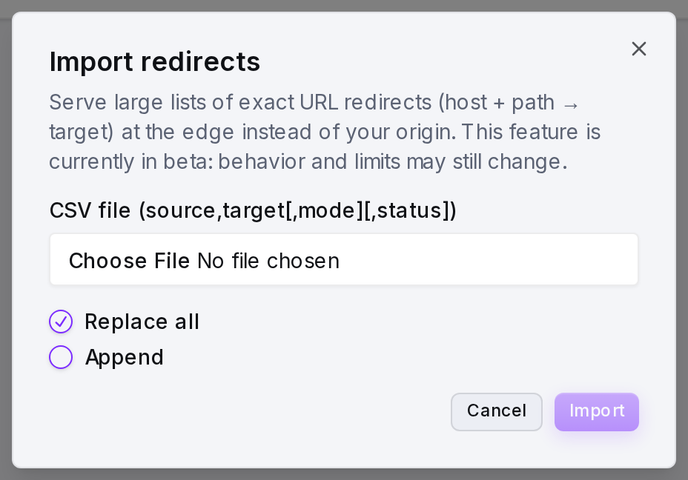
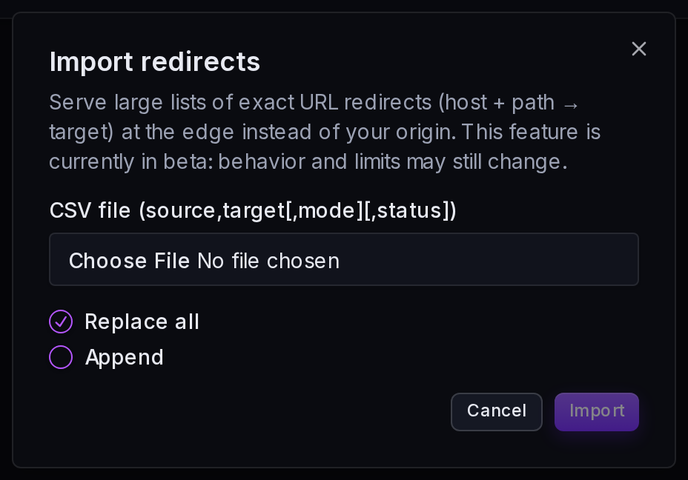
CSV format. One redirect per line, columns in this order:
source,target,mode,status
www.example.com/old,https://www.example.com/new,L,301
shop.example.com/sale,https://shop.example.com/deals,Q,302
old.example.com/,new.example.com,H,301| Column | Required | Default | Notes |
|---|---|---|---|
source | Yes | -- | Exact match key host/path. |
target | Yes | -- | Full URL, or a bare host in Host-swap mode. |
mode | No | L | L, Q, or H. |
status | No | 301 | 301, 302, 307, or 308. |
- An optional header row (
source,target) is ignored. - Blank lines and lines starting with
#are ignored, so you can add comments. - Fields that contain commas can be wrapped in double quotes.
Validation. The upload is validated before anything is stored. Problem rows are skipped rather than failing the whole import, and the result reports how many entries were imported, how many redirect chains were collapsed, and a message for each rejected row.
| Situation | What happens |
|---|---|
Missing source or target | Row skipped |
Invalid mode or status | Row skipped |
Duplicate source | Rejected -- the first occurrence is kept |
Chain (A → B → C) | Collapsed to a single hop (A → C) so the edge never redirects twice |
Cycle (A → B → A) | Rejected -- the entries in the cycle are dropped |
TIP
Because chains are collapsed at import time, a visitor is always sent to the final destination in a single hop -- even if your CSV lists the redirects as separate steps.
Export to CSV
Export CSV downloads the whole map as a CSV file in the same format the import accepts, so you can back it up, edit it in a spreadsheet, and re-import it.
Clear all
Clear all removes every redirect from the zone, emptying the map. This cannot be undone -- export first if you might need the list again.
API
The redirect map is also available through the API, scoped to a zone:
| Method | Endpoint | Purpose |
|---|---|---|
GET | /zones/{zoneId}/redirect-map | List entries (supports q, order[<field>], and paging) |
POST | /zones/{zoneId}/redirect-map/import | Import a CSV (multipart file, mode = replace or append) |
GET | /zones/{zoneId}/redirect-map/export | Download the whole map as CSV |
DELETE | /zones/{zoneId}/redirect-map | Clear the map |