
Billing
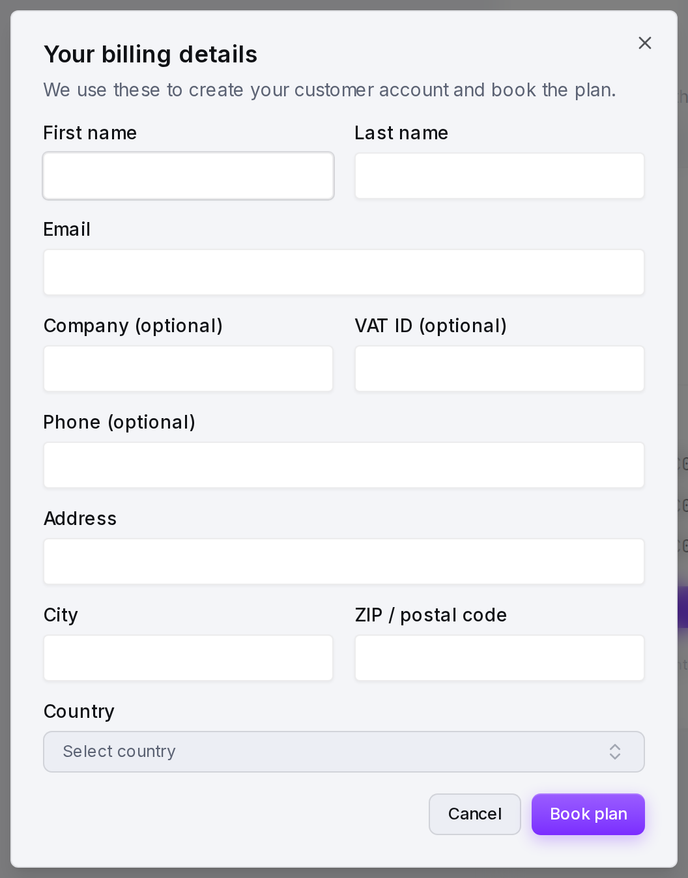
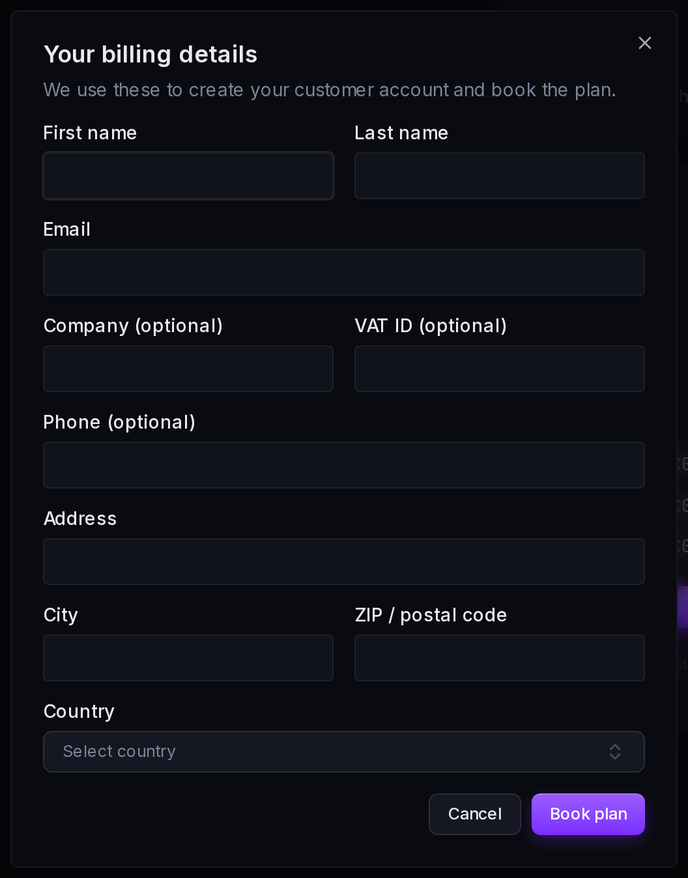
The Billing page is an organization-level page that shows the billing information for your organization. All details are read-only in smoxy and are managed through Frisbii, the external billing provider. To change customer information, manage payment methods, or pay an invoice, smoxy links out to the Frisbii billing portal.
INFO
Viewing billing requires the appropriate permission. Without it, smoxy shows "You don't have permission to view billing details." If no billing account is linked to the organization yet, the page shows an empty state: "No billing account linked."
Customer
The Customer section shows the billing identity on file with Frisbii:
| Field | Description |
|---|---|
| Name | The contact name on the billing account |
| Company | The company the account is billed to |
| The billing email address | |
| Phone | The billing contact phone number |
| VAT ID | The VAT identification number used on invoices |
| Address | The billing address |
These details are read-only in smoxy. Use Edit in billing portal to update them in the Frisbii portal.
Subscriptions
The Subscriptions section lists the organization's active and historical subscriptions. For each subscription you'll see:
- Trial: Whether the subscription is currently in a trial period.
- Next period: When the next billing period starts.
- Expires: When the subscription ends, if applicable.
Payment methods
The Payment methods section shows the cards and agreements authorized to be charged for your subscriptions. Each entry shows the card and its expiry date. Payment methods are managed through Frisbii - add or remove them in the Frisbii billing portal.
Invoices
The Invoices section lists the organization's recent billing documents:
| Column | Description |
|---|---|
| Number | The invoice number |
| Created | The date the invoice was issued |
| Status | The payment status of the invoice |
| Payment method | The card or agreement used for the charge |
| Amount | The invoice total |
| Download | Opens the invoice as a PDF |
Downloading an invoice opens the Frisbii billing portal, where you sign in to view and pay your invoices.
Plan
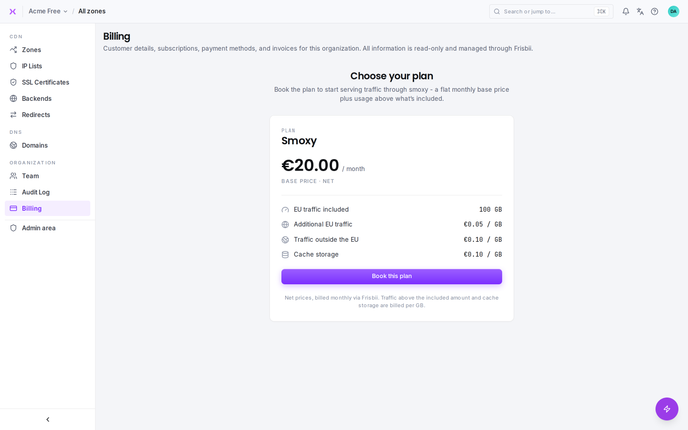
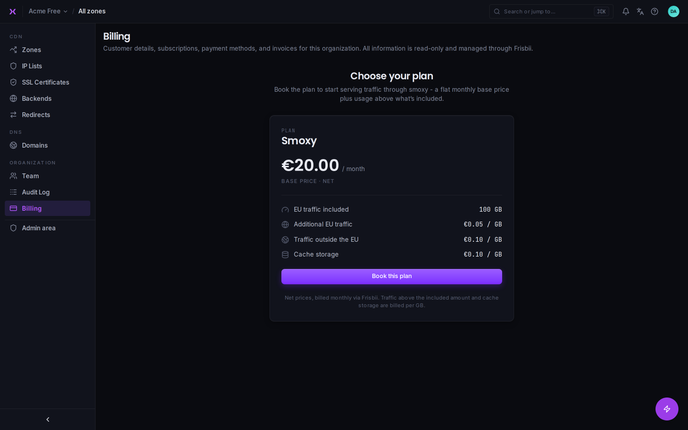
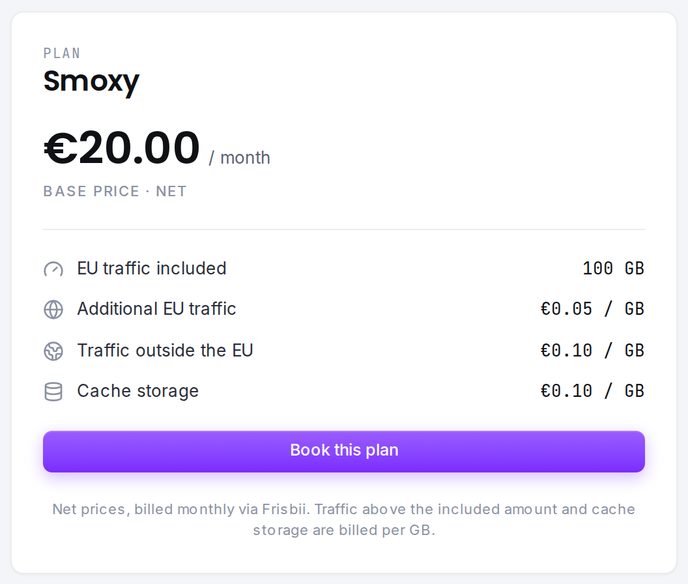
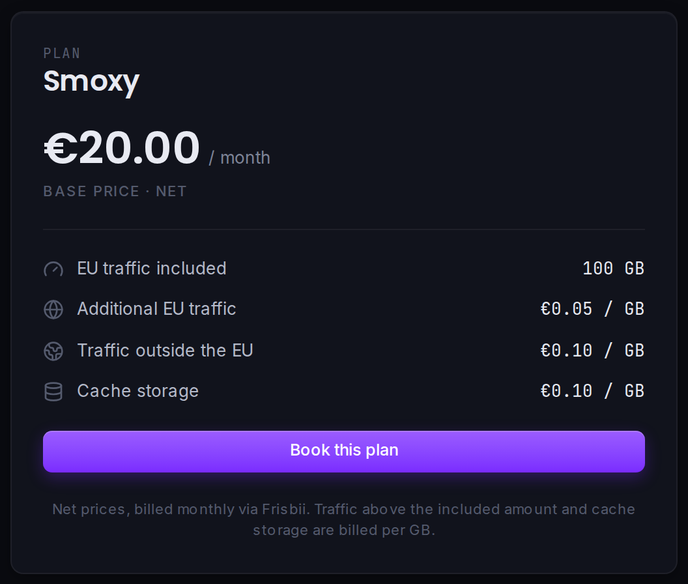
The Plan picker - "Choose your plan" - is where you book a plan to start serving traffic through smoxy. Pricing combines a flat monthly base price (net) plus usage above what the plan includes:
| Item | What it covers |
|---|---|
| EU traffic included | The amount of EU traffic included in the base price |
| Additional EU traffic | EU traffic above the included amount, charged per GB |
| Traffic outside the EU | Traffic served outside the EU, charged per GB |
| Cache storage | Cached content, charged per GB |
All prices are net and billed monthly through Frisbii. Select Book this plan to confirm.
TIP
Billing details - customer information, payment methods, and paying invoices - are managed in the Frisbii billing portal. smoxy displays them read-only and links out to Frisbii whenever a change or payment is required.
Related
- Team - manage users and roles, including who can read and write billing