
API Tokens
API tokens are personal access tokens for the smoxy API. They authenticate your requests so you can automate tasks - configuring zones, managing settings, or retrieving data - without logging in through the dashboard.
Treat a token like a password: anyone who has it can act on your behalf. Tokens are managed from your Account area under API tokens.
WARNING
Keep tokens secret. A token grants the same access as your account within its scope. Never commit a token to source control, paste it into shared documents, or expose it in client-side code.
Creating a Token
Open Account → API tokens and create a new token. You provide:
| Field | Description |
|---|---|
| Name | A label to identify the token later, e.g. CI/CD pipeline. It has no effect on access - it only helps you tell tokens apart. |
| Expiration | An optional expiry date. Leave it empty for a token that never expires. |
| Read-only | When enabled, the token can only perform read requests (GET, HEAD, OPTIONS); any write request is rejected with 403 Forbidden. This cannot be changed after creation. |
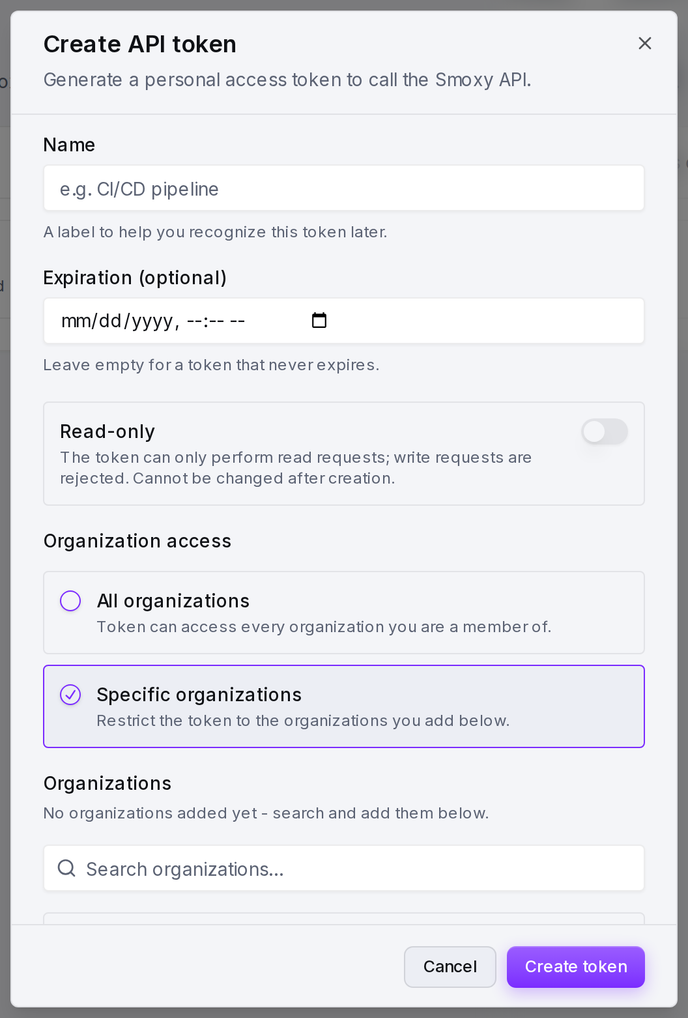
| Organization access | Either All organizations (every organization you are a member of) or Specific organizations (only the ones you add). |
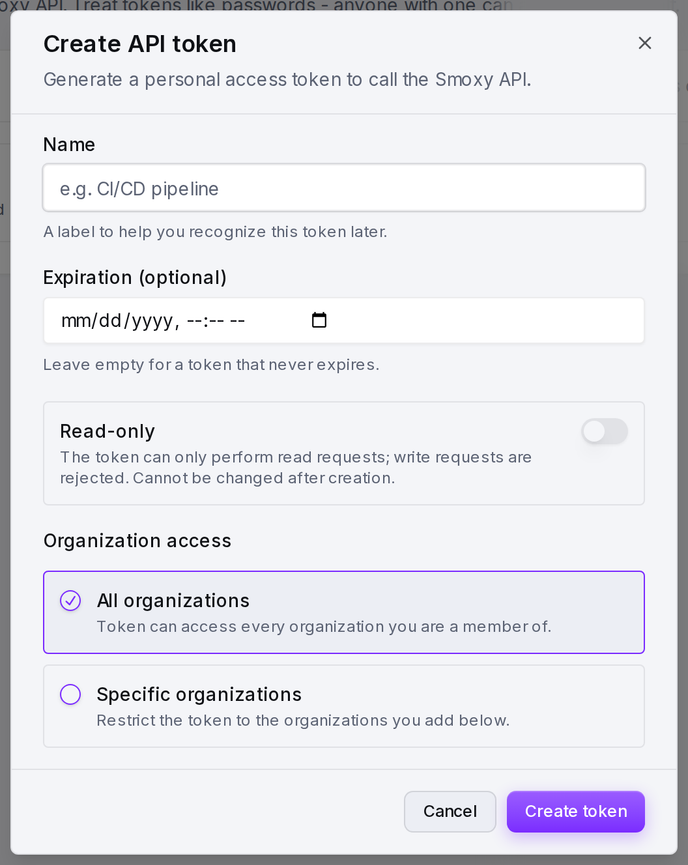
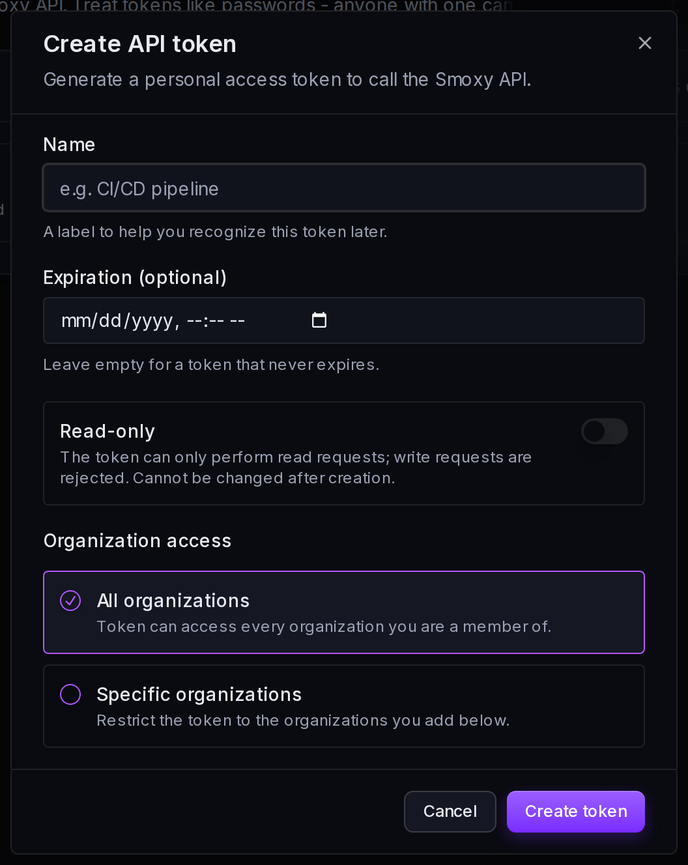
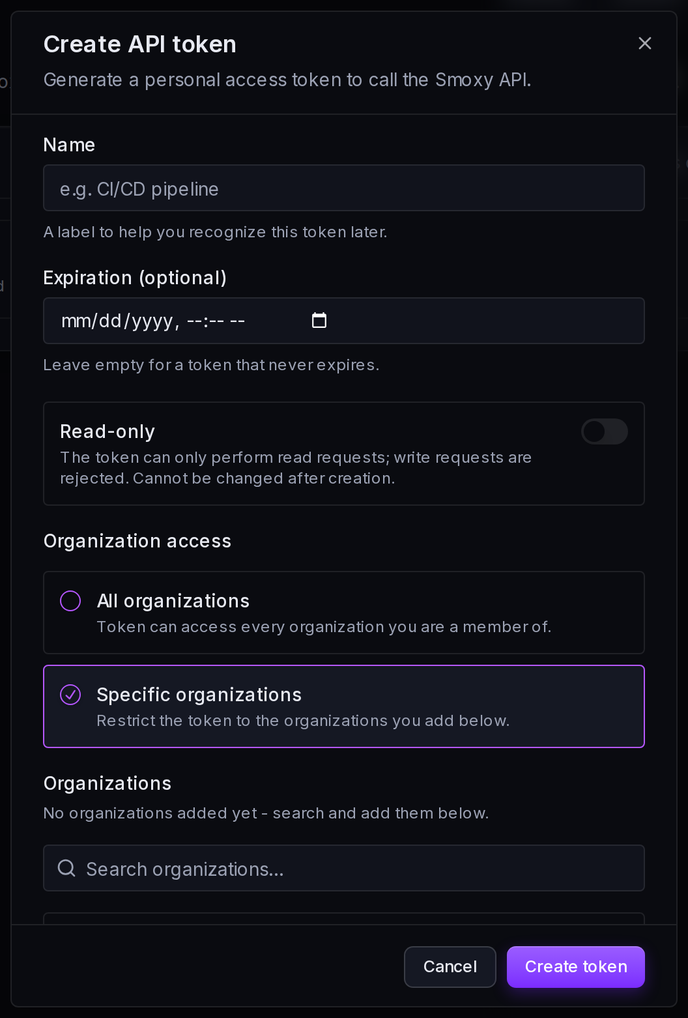
Choosing Specific organizations reveals a search box for adding the organizations the token may access.
WARNING
Copy the token immediately. The token value is shown only once, right after creation. Once the dialog closes it cannot be retrieved again - if you lose it, you have to create a new one.
Managing Tokens
The API tokens list shows every token you have created, along with:
- Created - when the token was generated.
- Last used - when the token last authenticated a request, or Never used if it has not been used yet.
- Expires - the expiry date, or Never expires if none was set.
Tokens restricted to read requests are marked with a Read-only badge.
Revoking a Token
You can revoke a token at any time. A revoked token stops working immediately, and any integration using it will be denied access on its next request. Revoke a token as soon as it is no longer needed or if you suspect it has been exposed.
Legacy API Tokens
Some accounts may still have legacy API tokens - an older token type that is deprecated and less secure than personal access tokens.
If you have legacy tokens, rotate them to personal access tokens:
- Create a new personal access token with the appropriate organization access.
- Update your integrations to use the new token.
- Delete the legacy token once nothing depends on it.
WARNING
Deleting a legacy token takes effect immediately. Any integration still using that token will stop working as soon as it is deleted. Make sure every integration has been switched over first.
Using the Token
The smoxy public API is available at https://api.smoxy.eu. Authenticate each request by sending your token in the X-API-TOKEN HTTP header:
curl -H "X-API-TOKEN: <token>" https://api.smoxy.eu/api/zonesFor the full list of endpoints, request parameters, and response formats, see the API Reference.
Best Practices
- Store tokens securely. Keep them in a secrets manager or environment variables, never in source control or plain text.
- Prefer read-only tokens. If an integration only reads data - monitoring, reporting, exports - create the token as read-only so a leaked token cannot make any changes.
- Scope to specific organizations. When a token only needs access to one organization, restrict it to that organization instead of granting All organizations.
- Set an expiration. Expiring tokens limit how long a leaked token stays useful. Use short lifetimes where you can rotate them automatically.
- Rotate and revoke regularly. Replace tokens periodically and revoke any that are unused, no longer needed, or possibly exposed.