
Redirects
Redirects forward traffic from one hostname to another. Use a redirect when you only need to send visitors from a source hostname to a target -- without caching, optimization, or serving content. Redirects are managed at the organization level, alongside your zones and domains.
INFO
A redirect is served as a permanent redirect (HTTP 301).
Creating a Redirect
- Open Redirects in your organization and click New Redirect
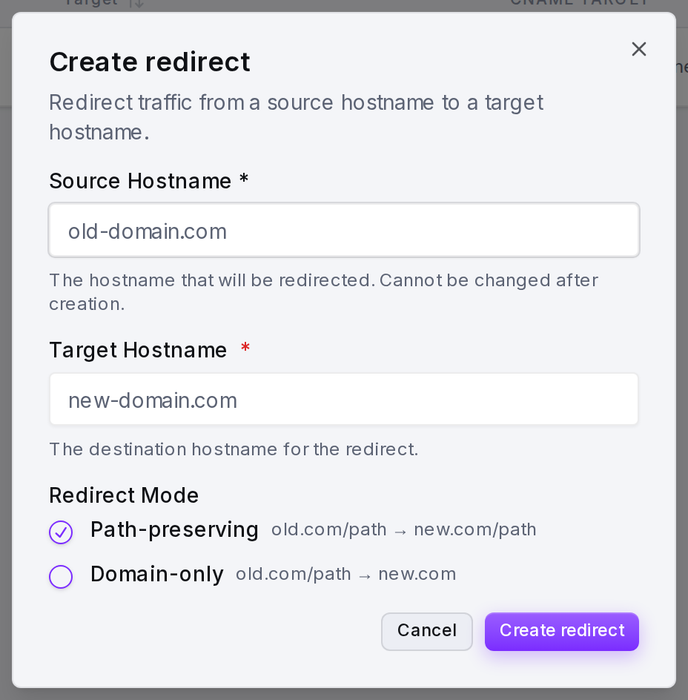
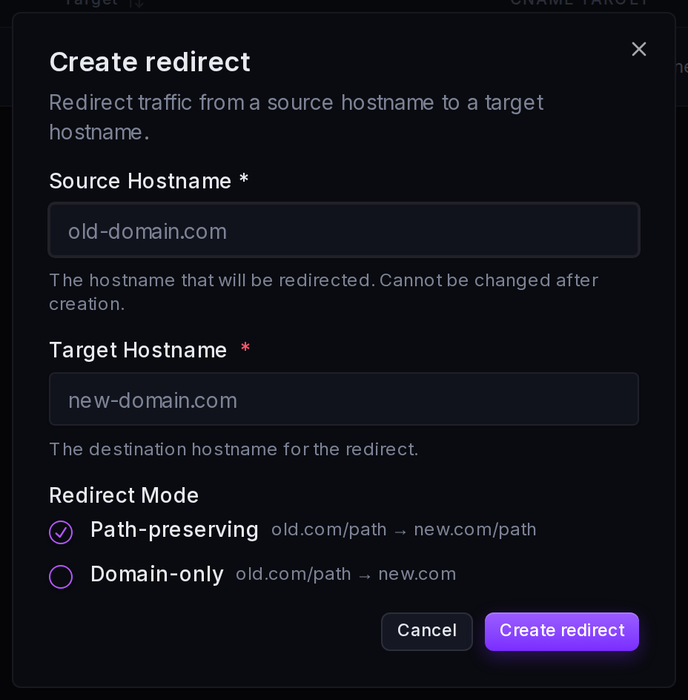
- Enter the Source Hostname -- the hostname that should be redirected (e.g.
old-domain.com). It cannot be changed after creation. - Enter the Target Hostname -- the destination the source forwards to (e.g.
new-domain.com). In Domain-only mode the target may also include a path and query string (e.g.new-domain.com/spring-sale?campaign=relaunch). - Choose a Redirect Mode (see below)
- Create the redirect
To activate it, point the source hostname's DNS CNAME record at the CNAME target smoxy generates for the redirect (shown in the redirects table). Until the CNAME resolves to smoxy, the redirect is not yet live.
Redirect Mode
The redirect mode controls how the request path is handled when forwarding:
| Mode | Behavior | Example |
|---|---|---|
| Path-preserving | Keeps the original path on the target | old.com/path → new.com/path |
| Domain-only | Sends every request to the target root | old.com/path → new.com |
In Domain-only mode, the target may include a path and query string. Every request on the source hostname is then sent to that exact destination: with target new.com/spring-sale?campaign=relaunch, both old.com/ and old.com/anything redirect to new.com/spring-sale?campaign=relaunch. Because Path-preserving mode appends the original request path to the target, a target with its own path or query requires Domain-only mode.
Managing Redirects
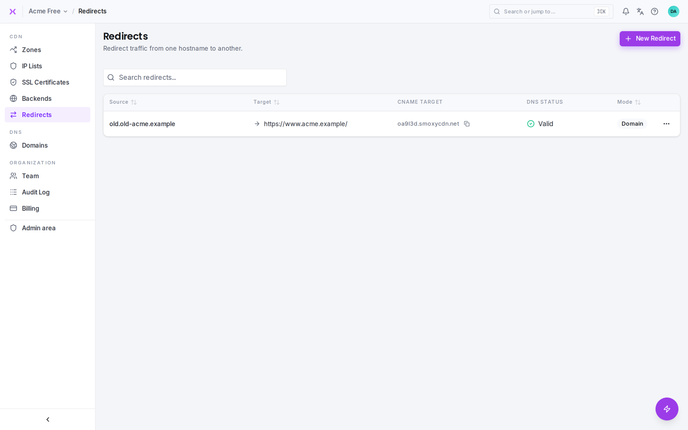
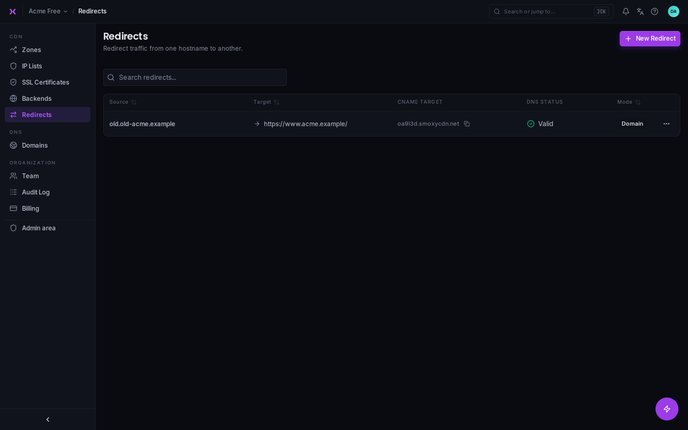
The redirects table lists each redirect with its Source, Target, CNAME target, DNS status, and Mode. Use the search box to filter by source, target, or CNAME. From a redirect's actions you can:
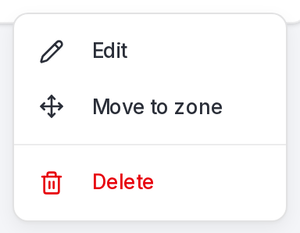
- Edit -- change the target hostname or the redirect mode (the source hostname is fixed once created).
- Move to zone -- turn the redirect back into a hostname served by a zone.
- Delete -- remove the redirect.
TIP
A redirect is the counterpart to a hostname served by a zone. On a zone's Hostnames page you can convert a hostname into a redirect, and here you can move a redirect back into a zone.